Known ad requests are blocked early
Packaged static rules ask Chrome to block a focused set of known JioHotstar advertising endpoints before those requests complete.
 Chrome extension · Version 1.1.0
Blocks a focused list of known advertising requests on hotstar.com, hides sponsored billboard banners, and keeps one clear global switch within reach.
Focused by design
The extension does not try to become a general purpose blocker. Its permissions and behavior stay focused on hotstar.com.
Packaged static rules ask Chrome to block a focused set of known JioHotstar advertising endpoints before those requests complete.
Hide Ad Spaces removes known sponsored banners and empty ad slots. Turn it off and those surfaces are restored immediately.
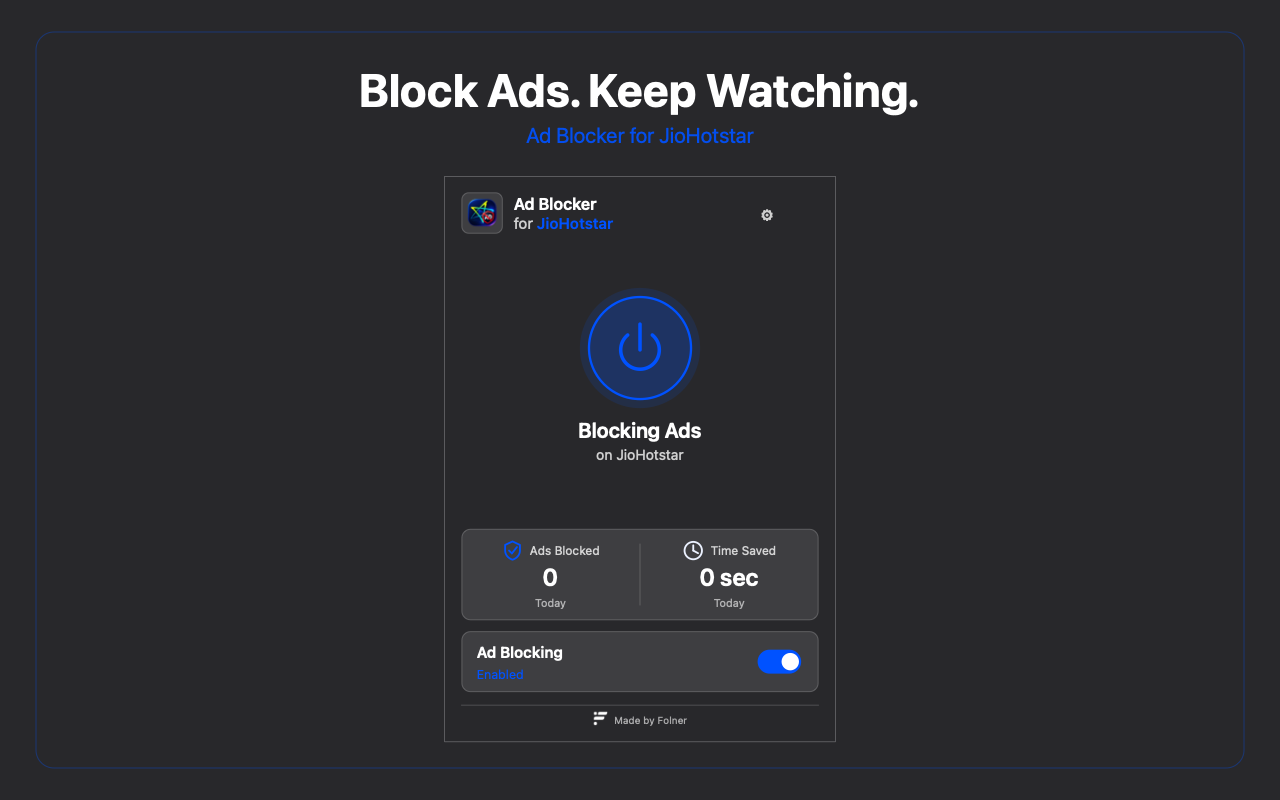
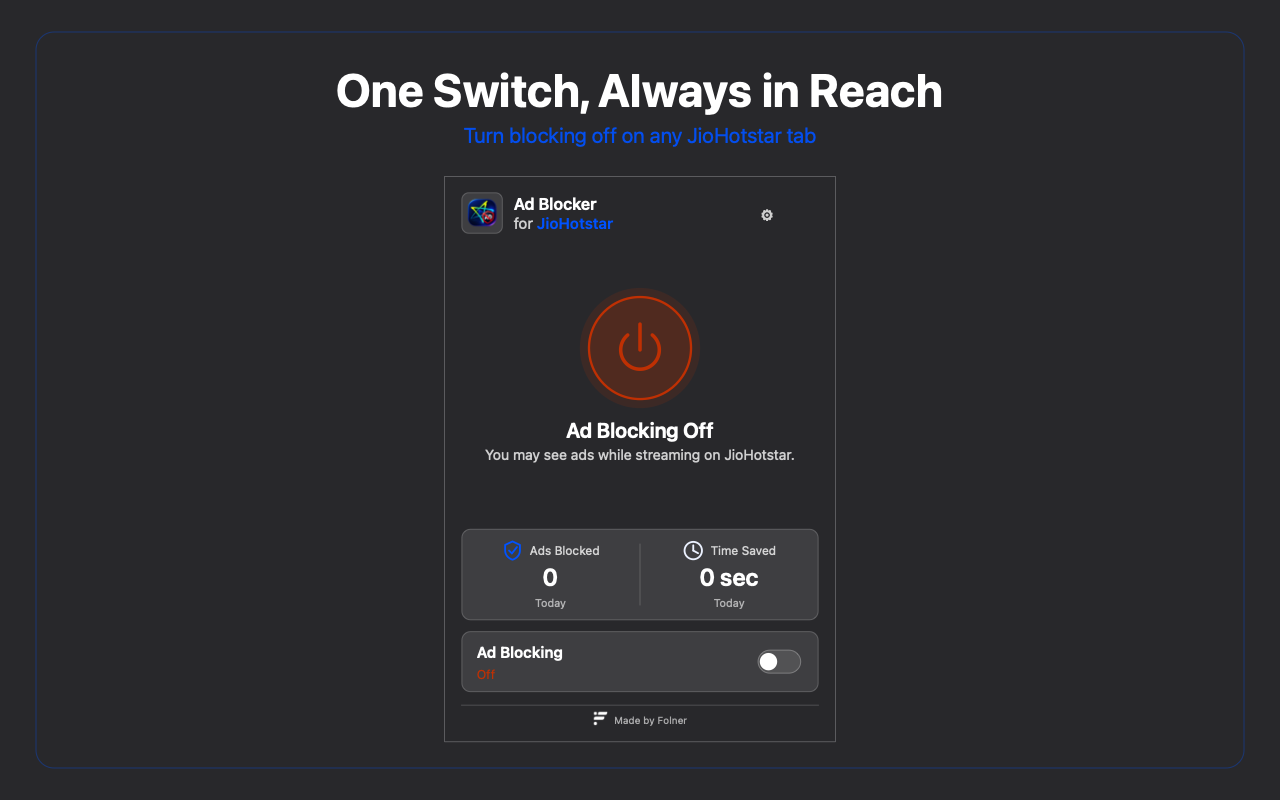
The labelled switch and power dial control the same setting for every JioHotstar tab. There is no per tab pause, shortcut, or hidden second mode.
Today’s count comes from the page’s own attempts to reach known ad endpoints. Tracking pixels and the ad SDK loader are blocked but never counted as ads.
Current interface
These are the approved current interface renders prepared for Chrome Web Store review. They reflect the shipped control geometry, copy, and states.
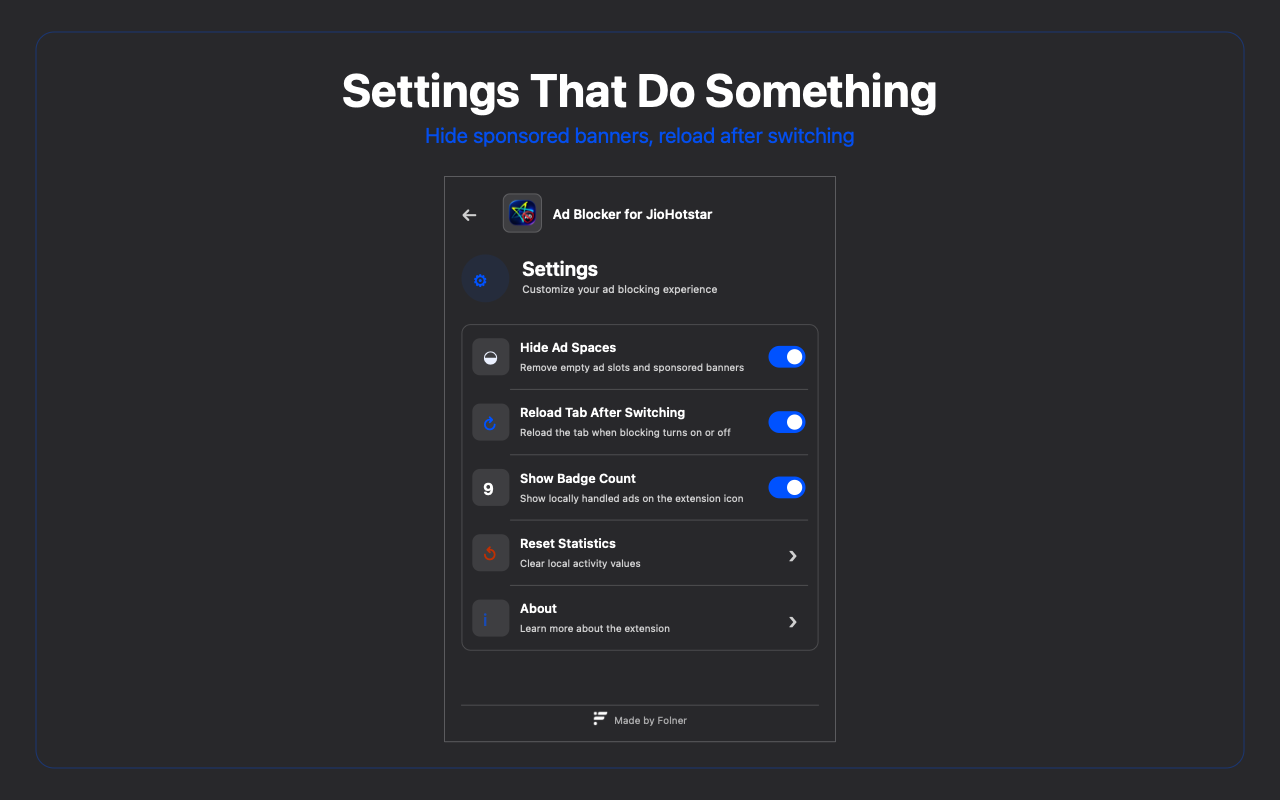
Controls that do something
The active tab URL and limited known JioHotstar page markers are processed locally only. They are not retained or transmitted. Preferences and today’s count stay in Chrome local storage.
Straight answers
No. It blocks a focused list of known ad requests and known sponsored surfaces. JioHotstar can change its delivery, so results vary over time, by region, and by content.
No. It does not unlock content, bypass subscriptions or sign in, or alter digital rights controls.
None of the extension’s processed website content, active tab URL, preferences, or local activity figures is transmitted to Folner, JioHotstar, or another party.
It is an estimate of thirty seconds for each counted ad request. Tracking pixels and the ad SDK loader are not included in the ad count.
The listing is being prepared for review. This page intentionally does not link to a generic store search or claim that the extension is already published.